Your Team Stays in the TMS. Qued Handles the Rest.
Before
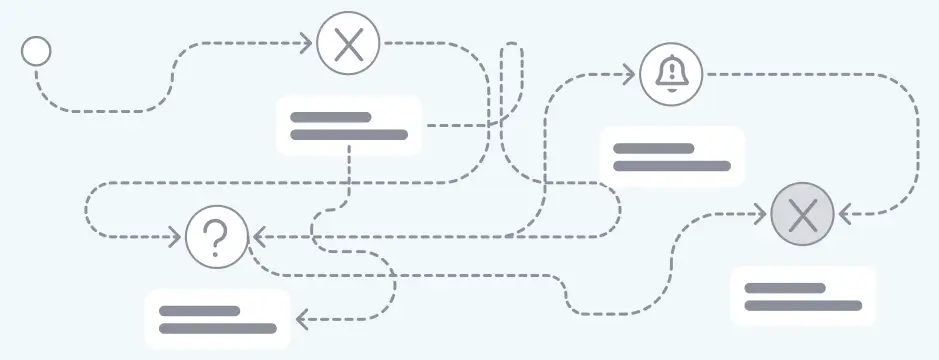
Fragmented, Manual Processes
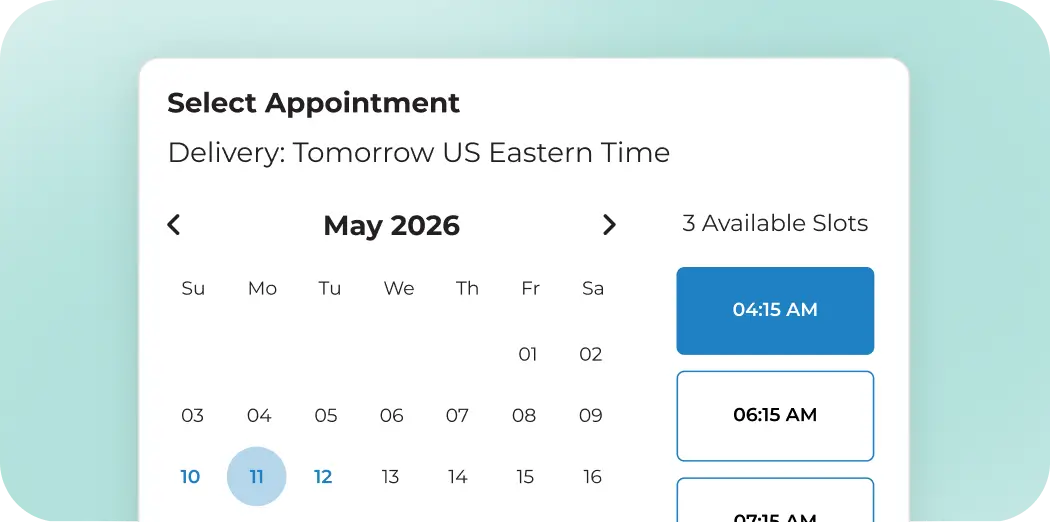
Appointment scheduling sends your team into inboxes, facility portals, and phone calls. They wait for responses, capture confirmations, and enter the details back into the TMS.
After
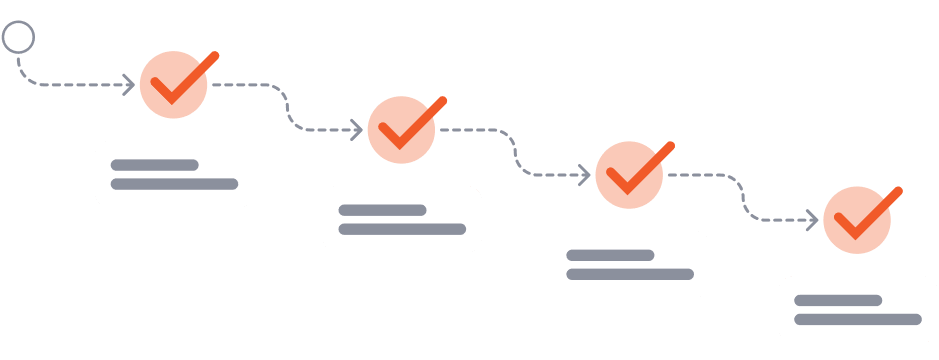
Appointments Handled for You
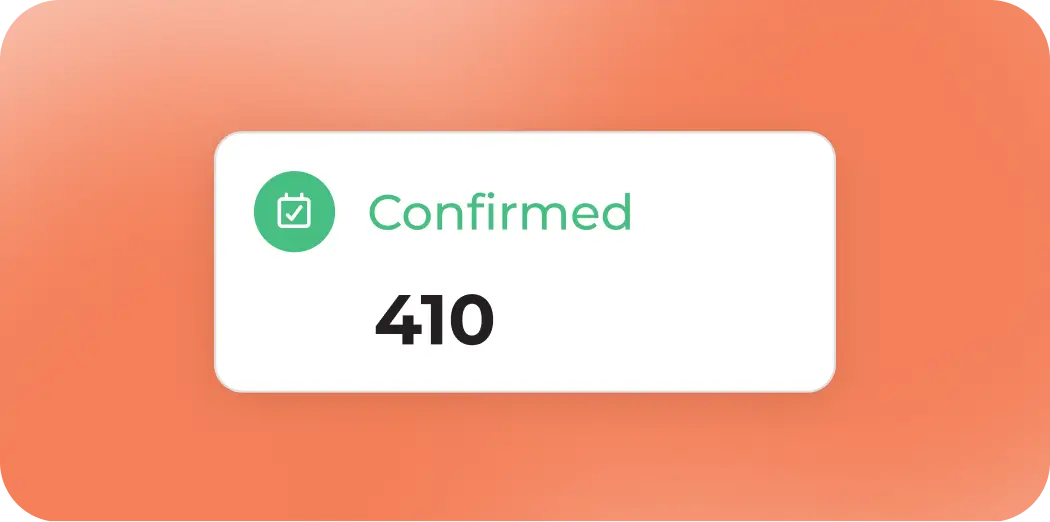
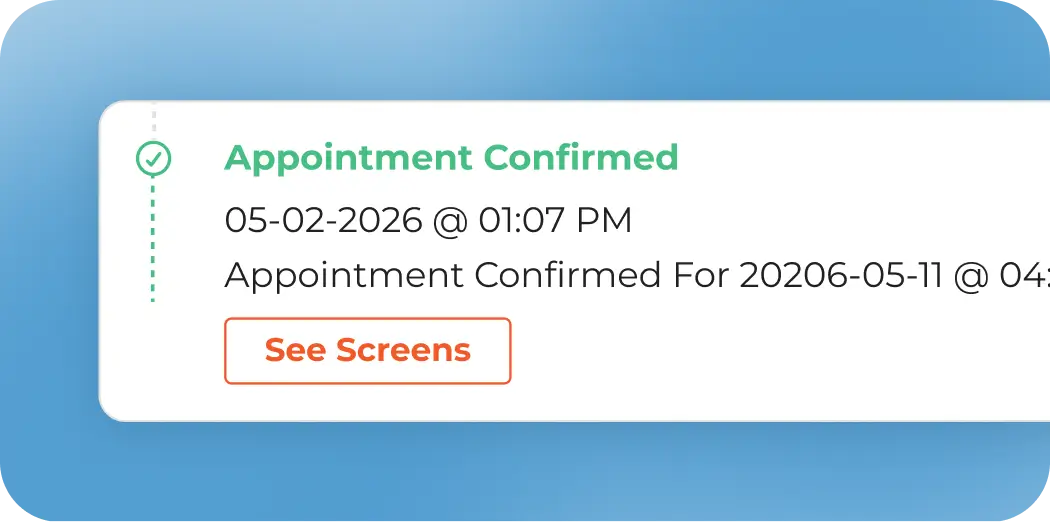
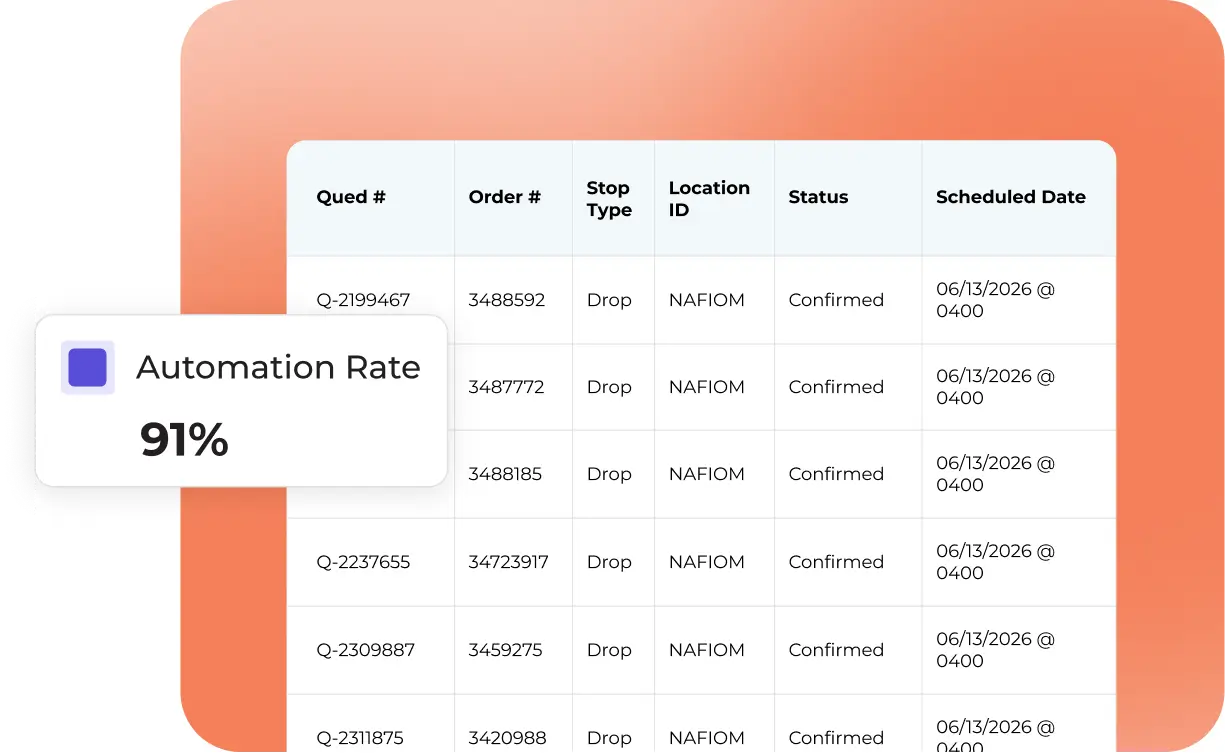
Your team sends the request from the TMS. Qued handles the facility communication and returns the confirmed appointment automatically.
Reschedules, cancellations, callbacks, and unavailable appointment times stay within the same workflow.
Rescheduling
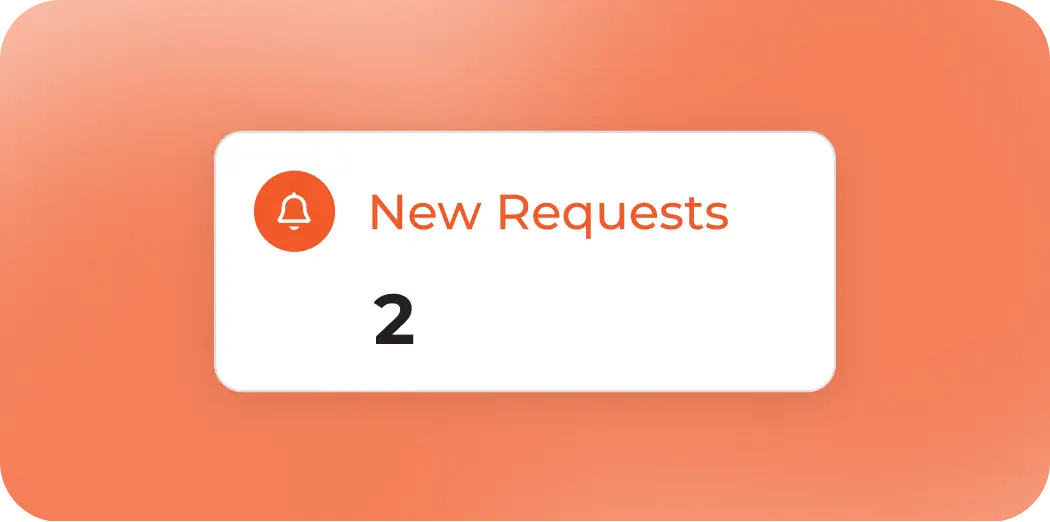
When a load changes, Qued re-engages the facility and secures a new appointment. You see the update automatically in your TMS.
Cancellations
Qued can cancel existing appointments with facilities, ensure confirmation is received, and update the TMS, so you waste no time handling the updates yourself.
Exceptions
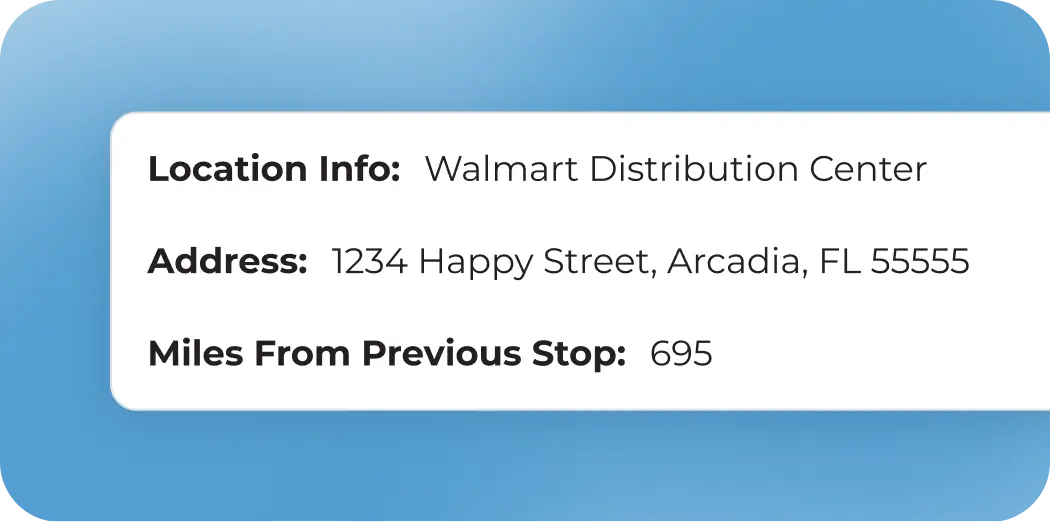
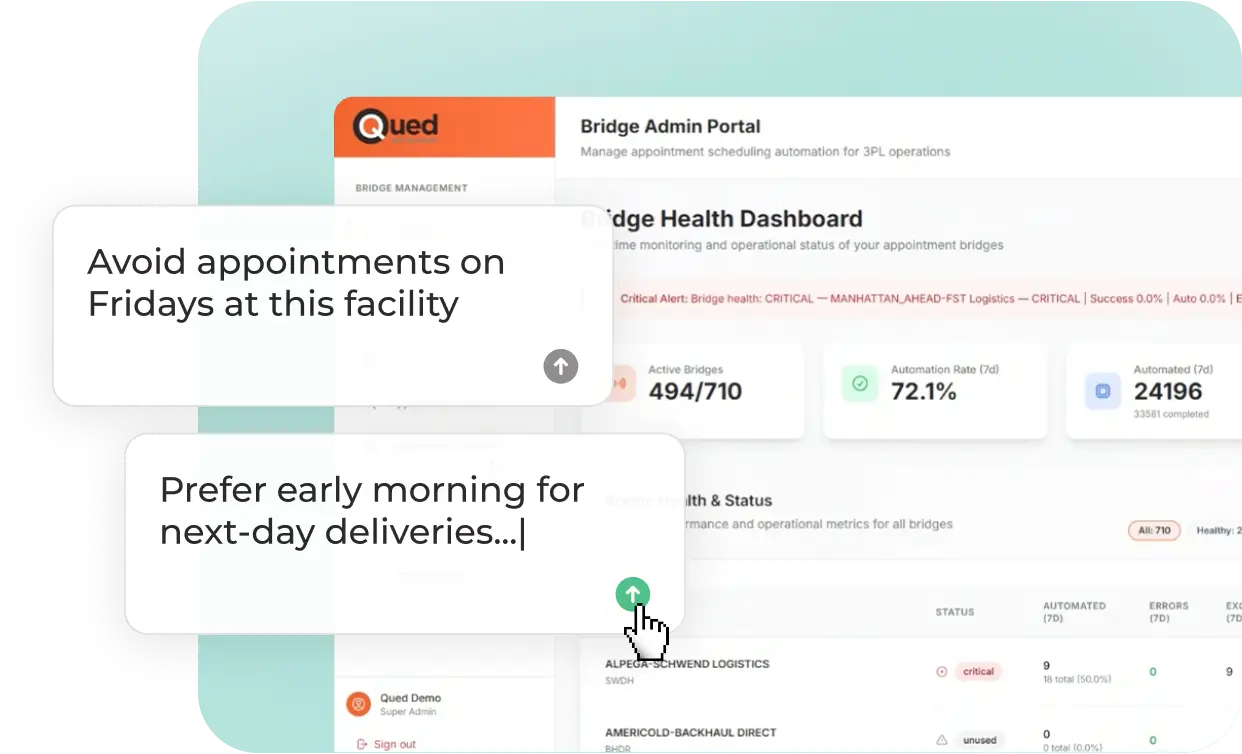
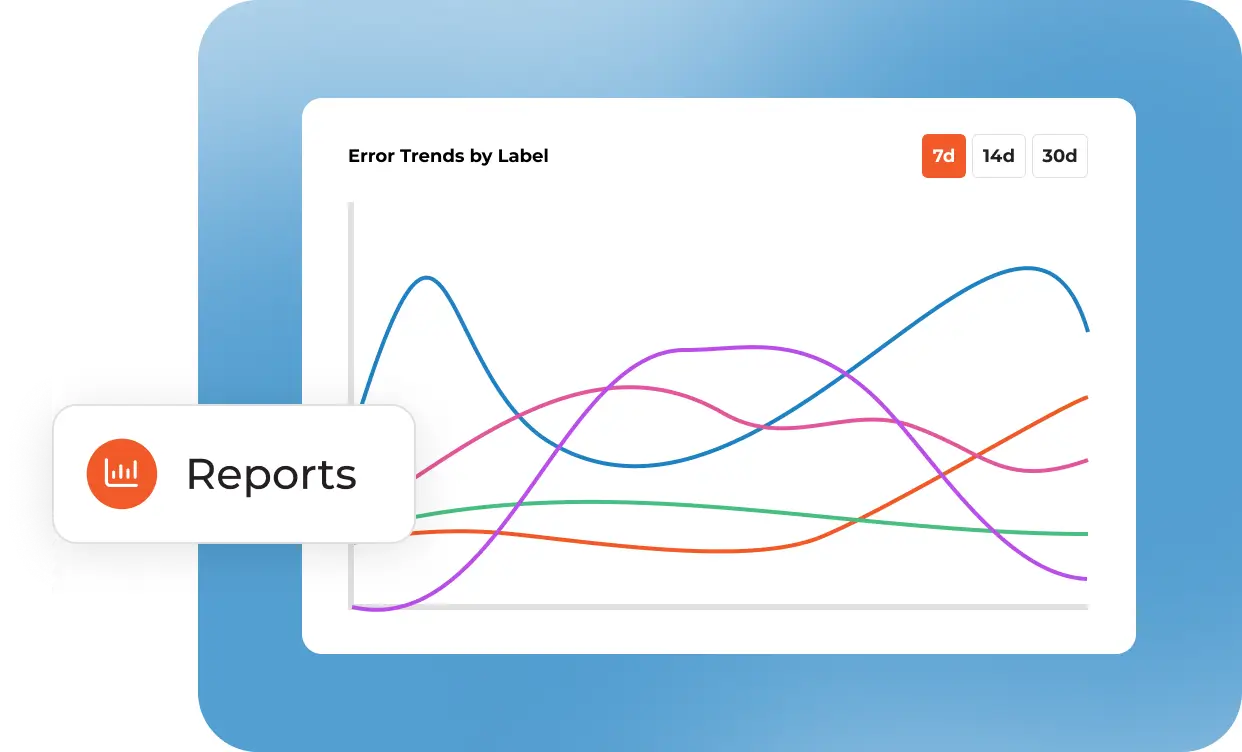
If a situation requires human judgment, for example if there is no availability, conflicting constraints, or special handling, then it’s flagged and routed to your team with full context.
“Since using Qued, we save 22 hours per week, per person. We can now repurpose our staff to do more strategic work.”
Mike Young, VP, GIX Logistics
"Qued has been by far the easiest integration we have done with McLeod. Keri and her team have been fantastic. They're quick to respond and incredibly knowledgeable about how this works in our operations, a rare skill for a lot of technology vendors. Scheduling has become more efficient and significantly less frustrating."
Stephanie Stewart, Operations Service Manager - Syfan Logistics
"We threw some curves but they stepped up to the plate. Very happy with onboarding."
Jenny Stuber Graham, Decker Truck Line
"The Qued team is so helpful and hands on. Automating processes has been a game changer!"
Zoey Sears, RE Garrison Trucking
See Qued At Work
See how we handle portals, emails, calls, scheduling rules, and TMS updates using a real appointment workflow.