FREIGHT BROKERS

Save Hours Each Week on Appointment Scheduling

use-case-freight-brokers

Appointments Scheduled Automatically and Returned To Your TMS

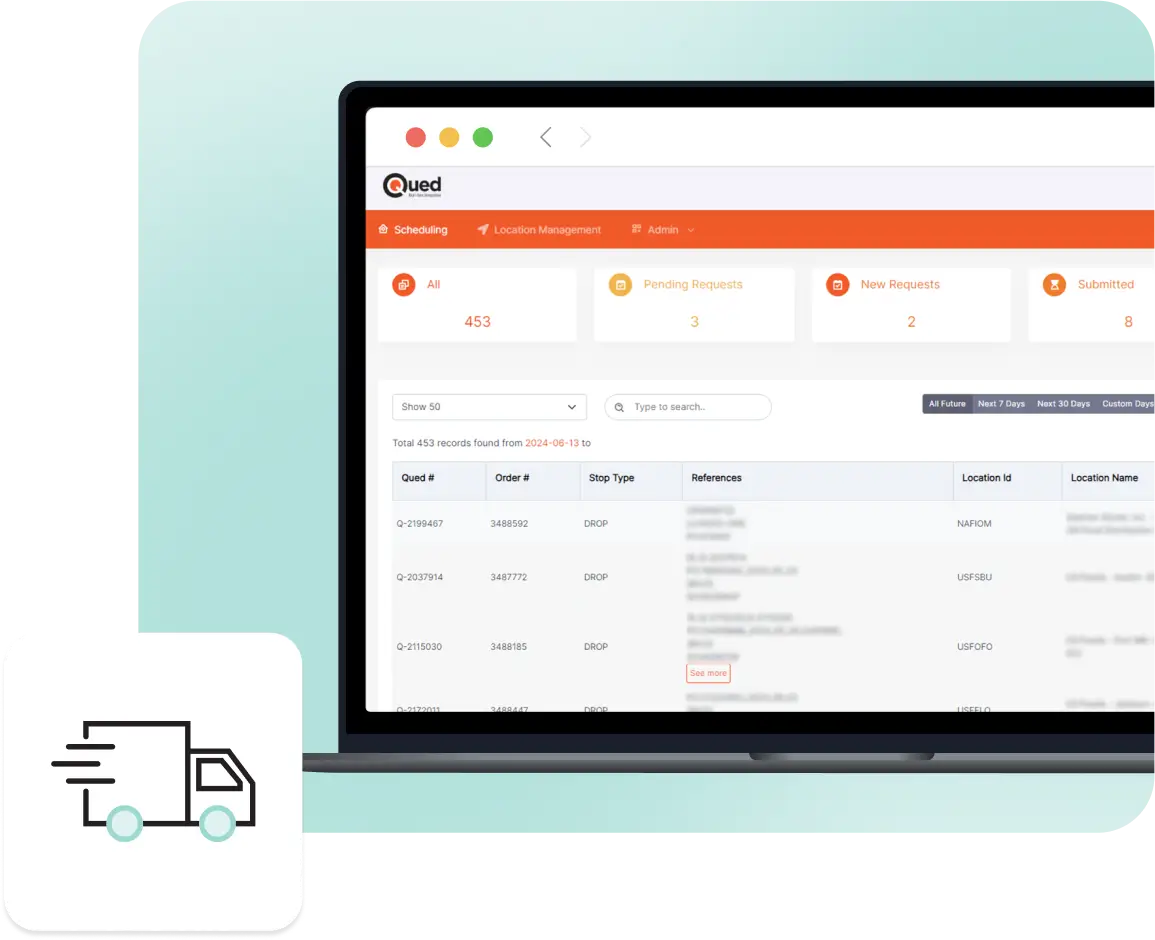
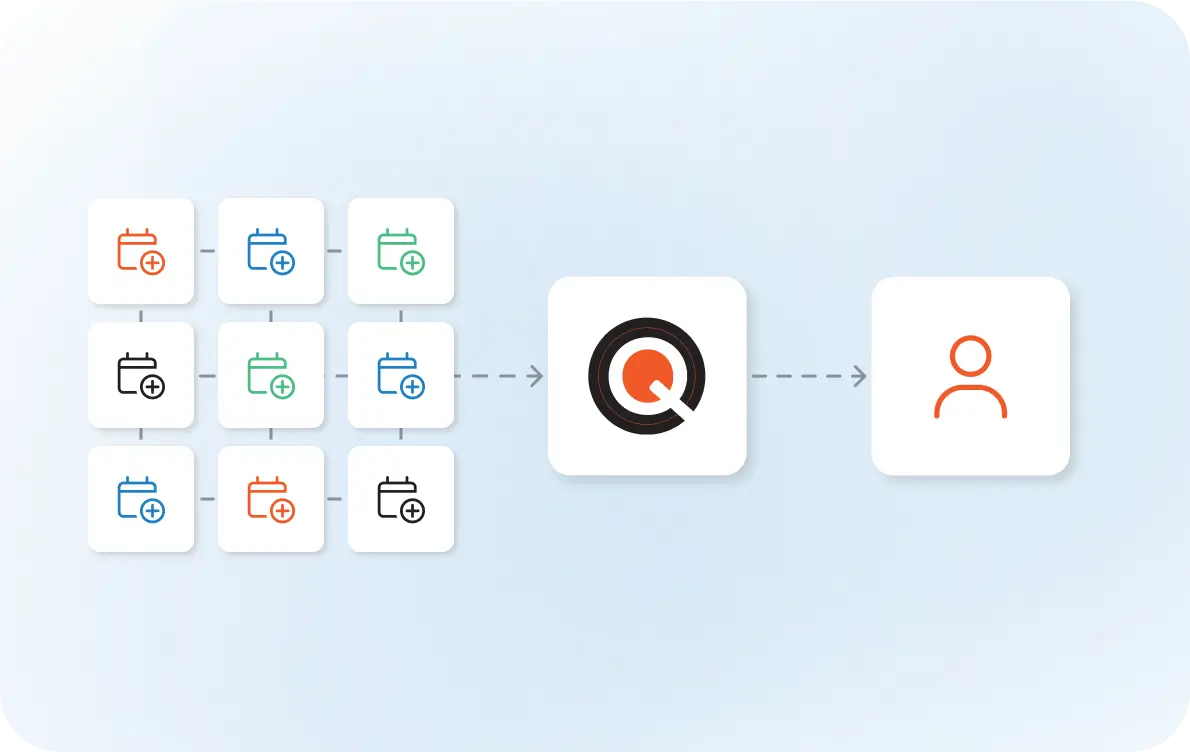
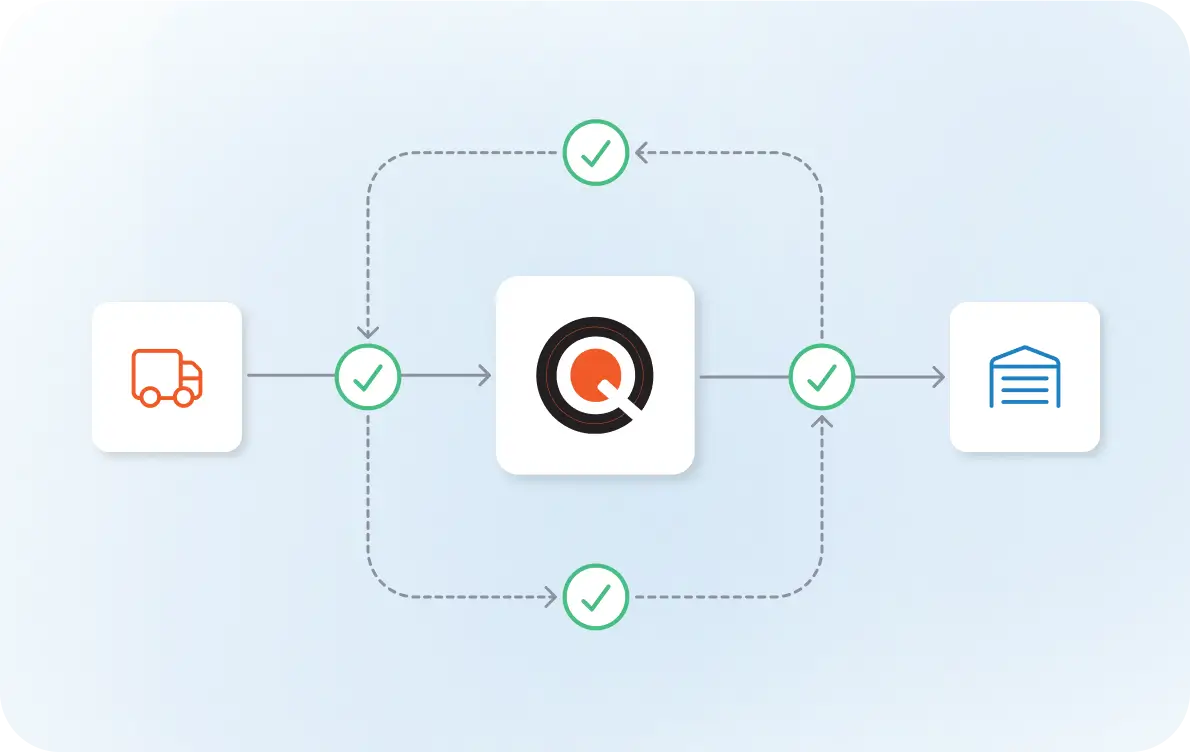
The task of scheduling pulls your team out of the TMS and into email threads, portal logins, and phone calls. Each appointment takes minutes that add up fast throughout the day. Qued serves as the connector between your TMS and diverse scheduling systems.

1

Trigger

A load in your TMS requires an appointment. That request is sent to Qued automatically.

trigger
2

Method Identified

Qued determines how that specific facility schedules: email, portal, or phone.

method-identified
3

Communication with Facilities

Qued handles the scheduling using the required method: sending emails, logging into portals, or placing calls.

communication-with-facilities
4

Confirmation Captured

Once the facility confirms, Qued records the appointment details.

confirmation-captured
5

Synced Back to TMS

The confirmed appointment is written back into your system automatically.

synced-back-to-tms

From your team’s perspective, the appointment simply appears where it should be

Less manual scheduling work
Faster appointment confirmations
Fewer errors and missed appointments
Stronger customer relationships
use-case-freight-brokers-easy-exception-handling

Easy Exception Handling

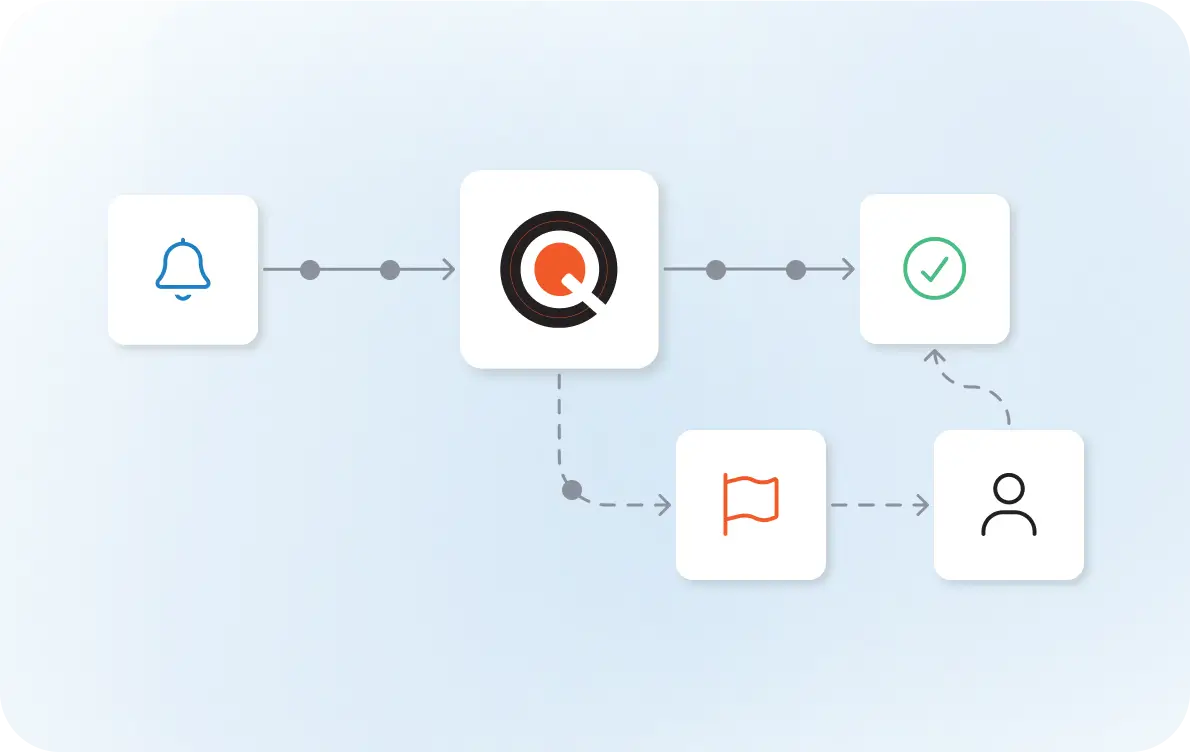
When there’s a conflict or situation that requires hands-on help, Qued flags it and routes it to your team with full context.

use-case-freight-brokers-more-loads-per-person

More Loads Per Person

With Qued taking over the daily workload of appointment scheduling, your team is freed up to work on higher-value tasks.

use-case-freight-brokers-strengthening-business-relationships

Strengthening Business Relationships

Confirmations come back faster, missed appointments become less common, and carrier relationships improve with the consistency of Qued’s process.

Take Appointment Scheduling Off Your Daily Task List

H1 Heading

H2 Heading

H3 Heading

Add Your Heading Text Here

this text has a span tag

Lorem ipsum dolor sit amet, consectetur adipiscing elit. Ut elit tellus, luctus nec ullamcorper mattis, pulvinar dapibus leo.