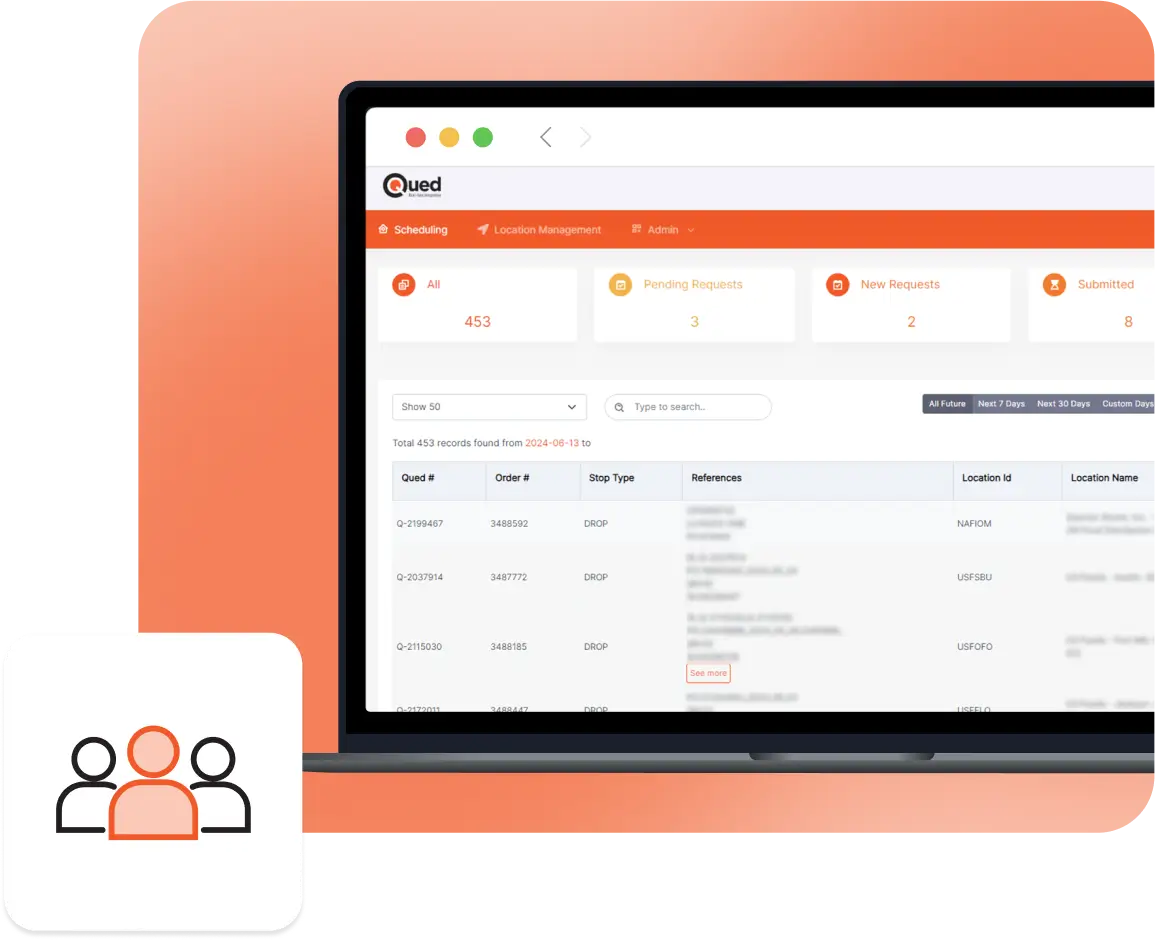
When there is a scheduling problem due to slow processes, errors, or changes, your drivers and your business are the ones that suffer. Qued automation is here to give you better control over your appointment scheduling.
Secure Appointments Faster and Easier
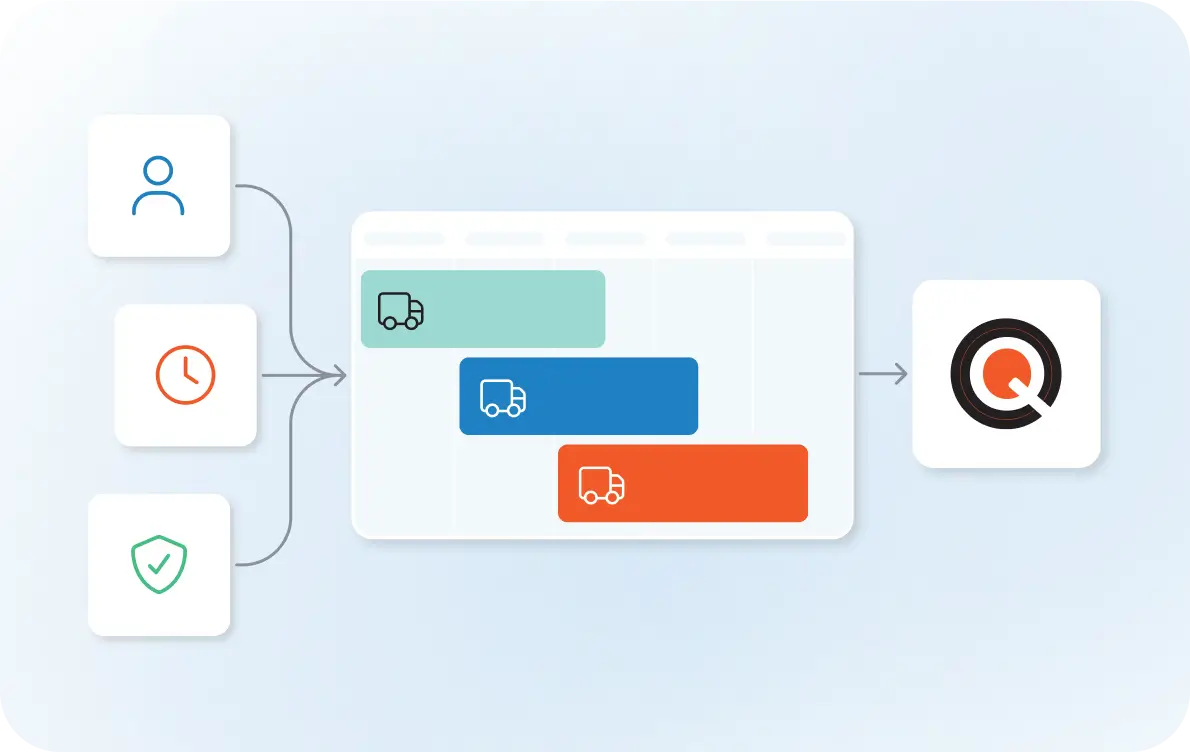
When a load requires an appointment, Qued books the appointment according to your customized preferences and updates the TMS once confirmation is received.
Set customized preferences to help you secure an appointment that fits your drivers’ needs and supports HOS planning. If there are driver delays, we make the process fast and easy to reschedule.
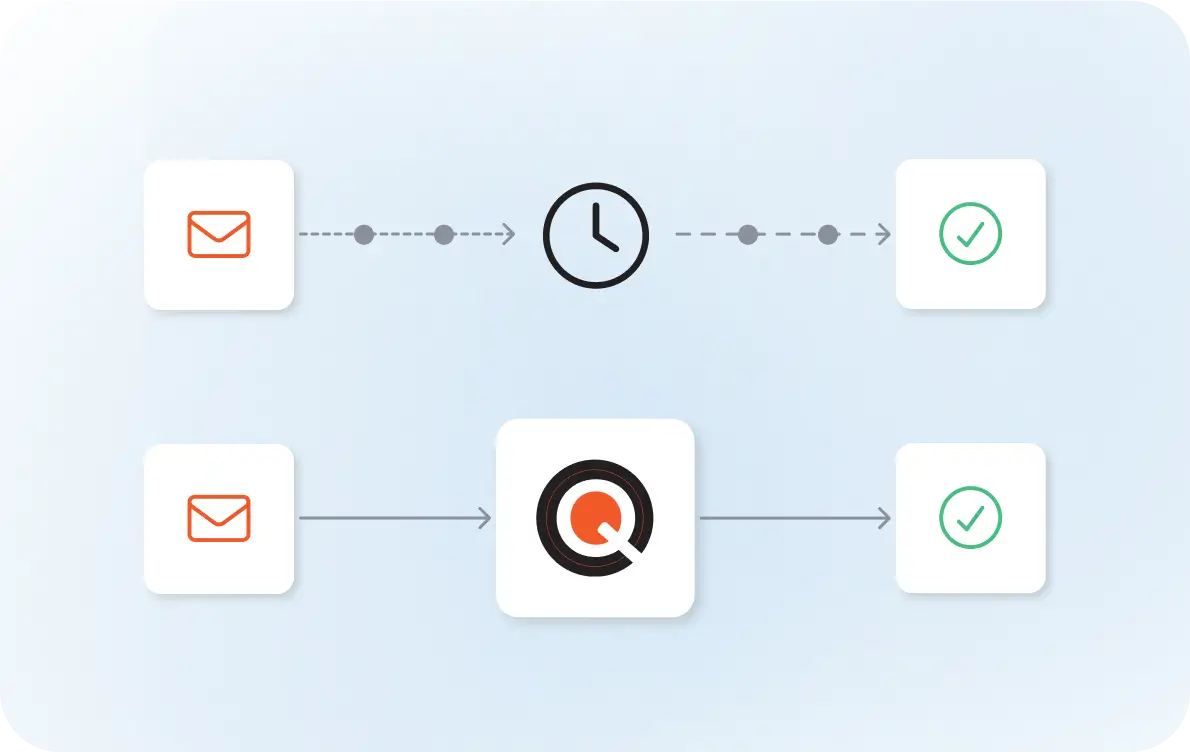
Because communication happens immediately and consistently, confirmations come back faster. There is no delay from the time the request is triggered by automation, which improves access to available time slots.
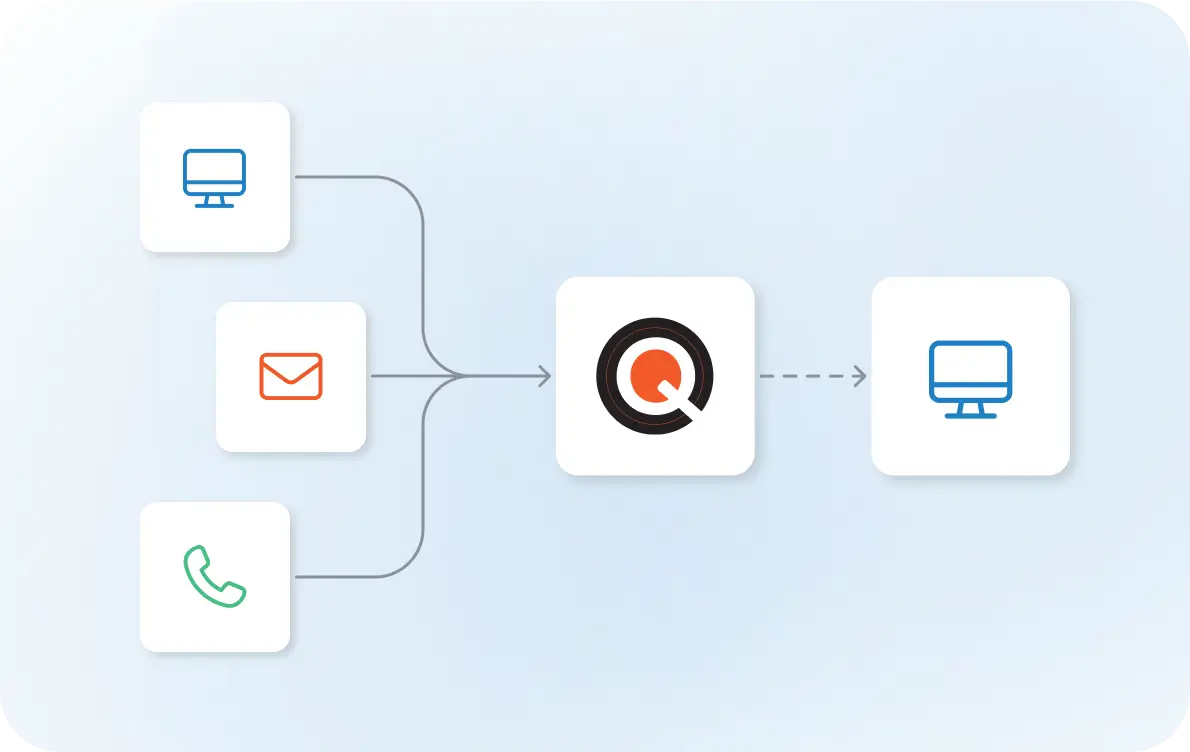
Your team can eliminate the time they used to spend on email, portals, or phone calls managing scheduling conversations. These steps are handled automatically, with confirmed appointments returned directly to your system.